An on-premises AI platform
for your business
The IOWIS Platform brings together AI assistants, company knowledge, agents and integrations in an environment you can manage centrally. It runs in your own infrastructure, on hardware selected to suit your requirements.
Employees have a single place to access the available AI features. Administrators manage users, permissions, data sources and tools centrally. Software, hardware, updates and support are coordinated with each other.
One environment for working with AI
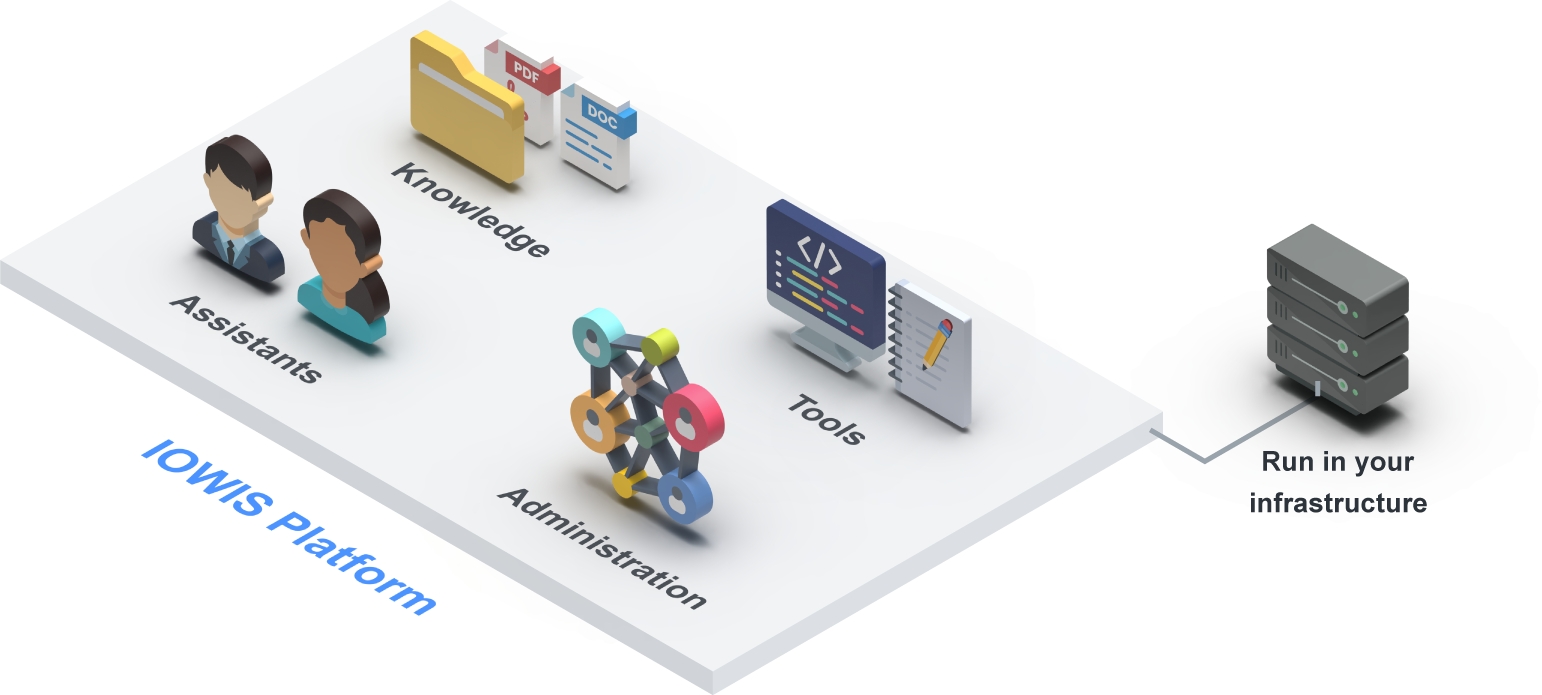
Through a single interface, employees can use general-purpose AI features, custom assistants, agents, documents and internal knowledge resources. They can create, analyse and organise content, and draw on company information in their answers and workflows.
Administration is centralised too. Users, groups, assistants, knowledge bases, files, tools and integrations can all be managed and assigned appropriate access permissions.
The platform includes:
- AI assistants, agents and workspaces,
- knowledge bases and document processing,
- plugins, interfaces and automation,
- administration with roles, permissions, usage analytics and audit logs,
- hardware selected for your requirements, offline updates and support.
Different teams can work on the same AI platform without having to introduce and administer a separate solution for each department.
What your teams can do with the platform
Work with custom AI assistants
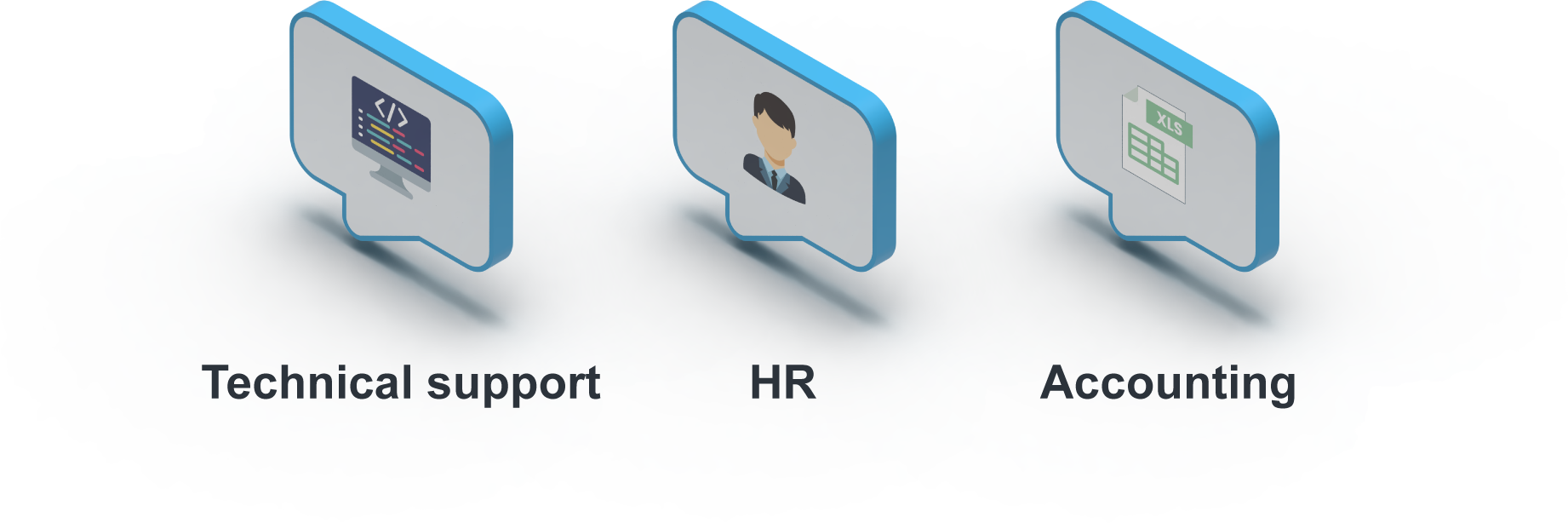
Assistants can be configured for specific tasks, teams or subject areas. They have their own instructions and can be connected to selected knowledge resources and tools, with appropriate permissions.
Employees can use them to:
- write, edit and translate text,
- summarise or structure content,
- organise and present information,
- develop drafts,
- address questions on a particular subject,
- support recurring tasks with an assistant configured for that purpose.
Assistants can be used individually or shared with selected user groups.
Work with documents and company knowledge
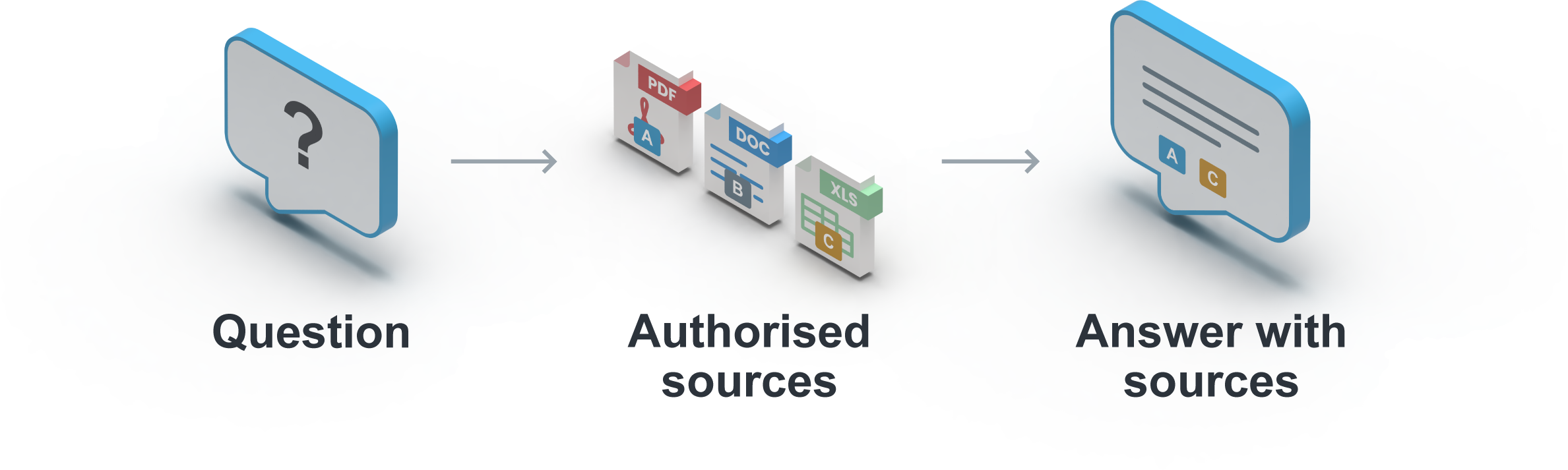
Documents can be uploaded directly, analysed and compared. Employees can ask questions about individual files, summarise their contents or search for specific information.
Knowledge bases hold company information that needs to remain available over time. They can bring together internal documents and other sources, organised for different teams or use cases.
The roles and permissions model determines who can access particular files, knowledge resources and the assistants that use them.
Handle tasks with agents and automation
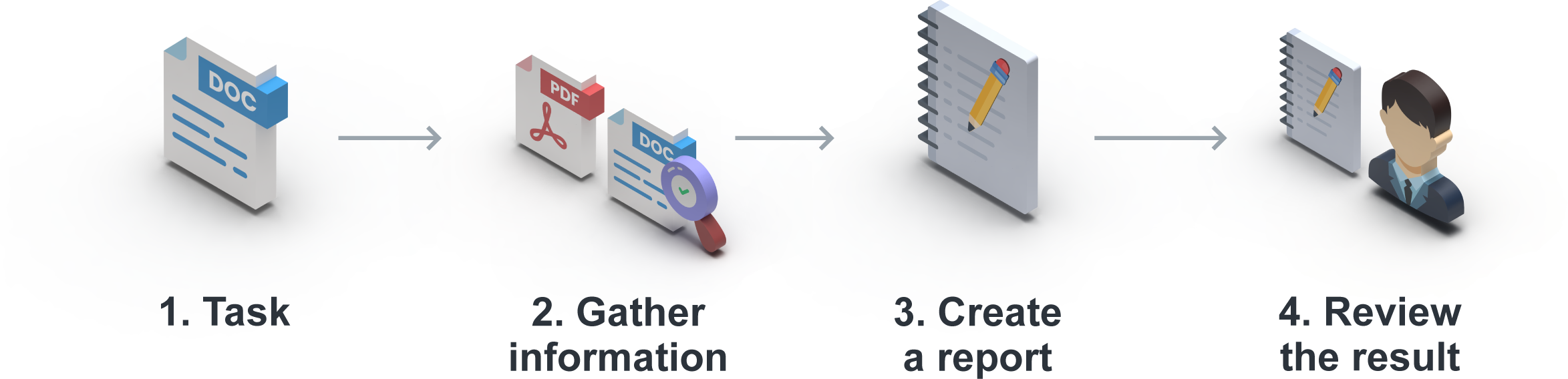
AI agents can handle multi-step tasks using the knowledge sources, tools or interfaces they are authorised to access.
For example, they can:
- gather information from multiple sources,
- prepare for research,
- create reports or documents,
- process data across different systems,
- initiate defined steps in a workflow,
- make results available for further work.
Plugins, APIs and optional automation capabilities also allow existing business systems and workflows to be integrated.
Process text, speech, images and other media
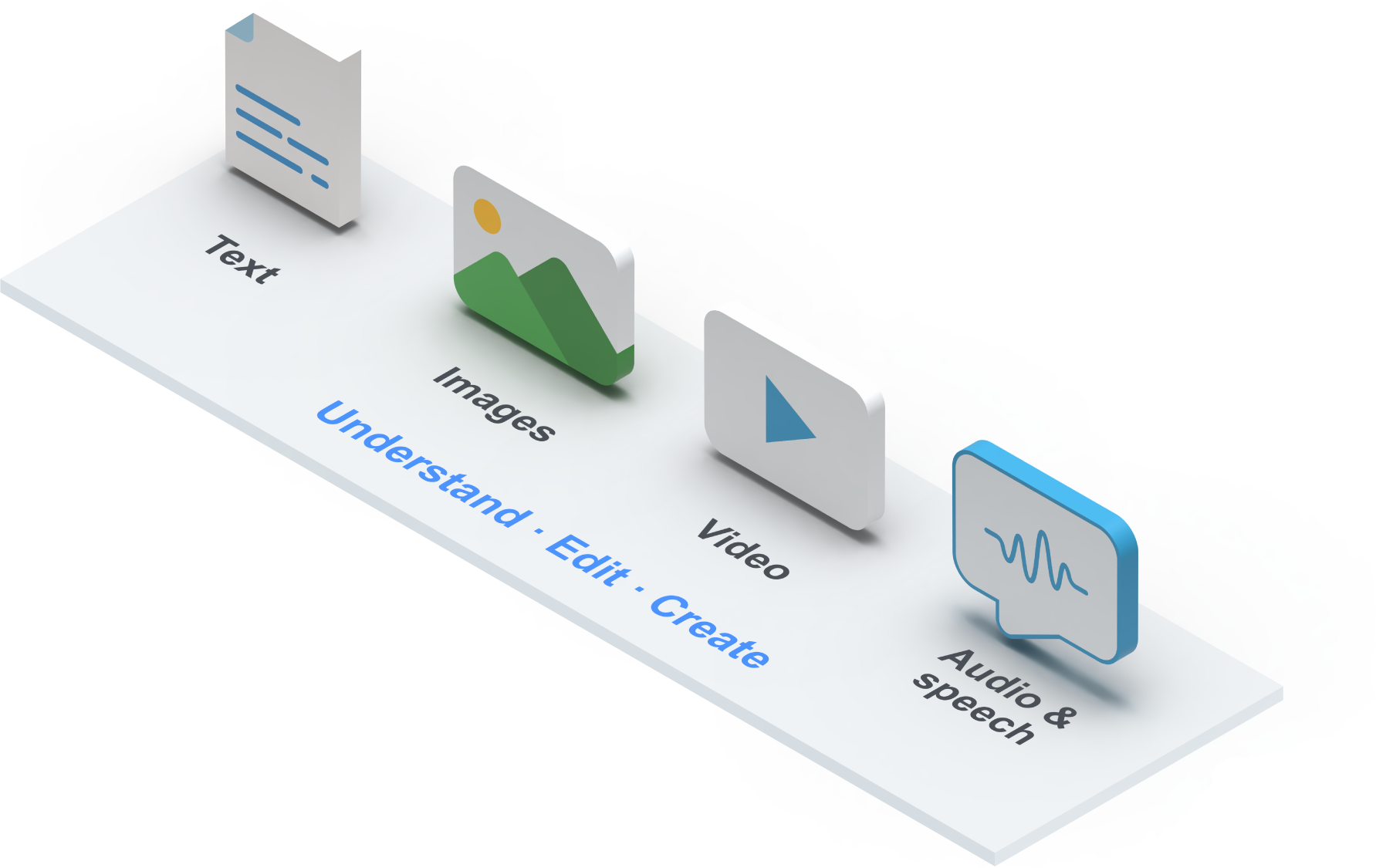
Alongside text and documents, the platform supports other input and output formats. The features available depend on the plan you choose.
They include:
- voice input and output,
- image understanding,
- meeting transcription,
- image generation and editing,
- spreadsheet and document creation,
- audio and sound features,
- video generation and analysis.
The platform can also support software development tasks, including writing and editing code, code analysis, testing, documentation and working with internal technical knowledge.
The core components of the IOWIS Platform
Assistants, agents and workspaces
Assistants and agents can be configured for specific tasks. They have their own instructions and can access the knowledge bases, files and tools they are authorised to use.
Projects and workspaces bring together related chats, files and knowledge resources. Personal content can be kept separate from shared resources. Sharing permissions determine which users can view, use or edit the content.
Knowledge, documents and data sources
As well as directly uploaded documents, the platform can draw on internal and external knowledge sources.
Depending on the plan and integration, these can include:
- file repositories and company documents,
- SharePoint,
- FTP directories,
- internal business applications,
- websites and other web sources,
- systems with suitable interfaces.
Web search and crawling supplement internal data sources when current or publicly available information is needed. You can specify which sources each assistant or agent is allowed to use.
Plugins, interfaces and custom tools
Plugins add functions to the platform. The relevant plans also provide APIs, custom Python tools and integrations with other applications.
These can be used to:
- give external applications access to platform features,
- provide tools for assistants and agents,
- integrate with Microsoft Teams or Slack,
- connect to business systems,
- automate tasks through workflow platforms.
This allows the IOWIS Platform to be integrated into existing processes and IT systems step by step.
Administration and usage analytics
The central administration interface covers:
- users and groups,
- roles and permissions,
- assistants and agents,
- knowledge bases and files,
- projects and workspaces,
- plugins and interfaces,
- retention and deletion policies,
- system and usage logs.
Usage analytics give administrators an overview of how the platform and its different areas are being used.
Control over users, knowledge and features
Role-based and fine-grained access control
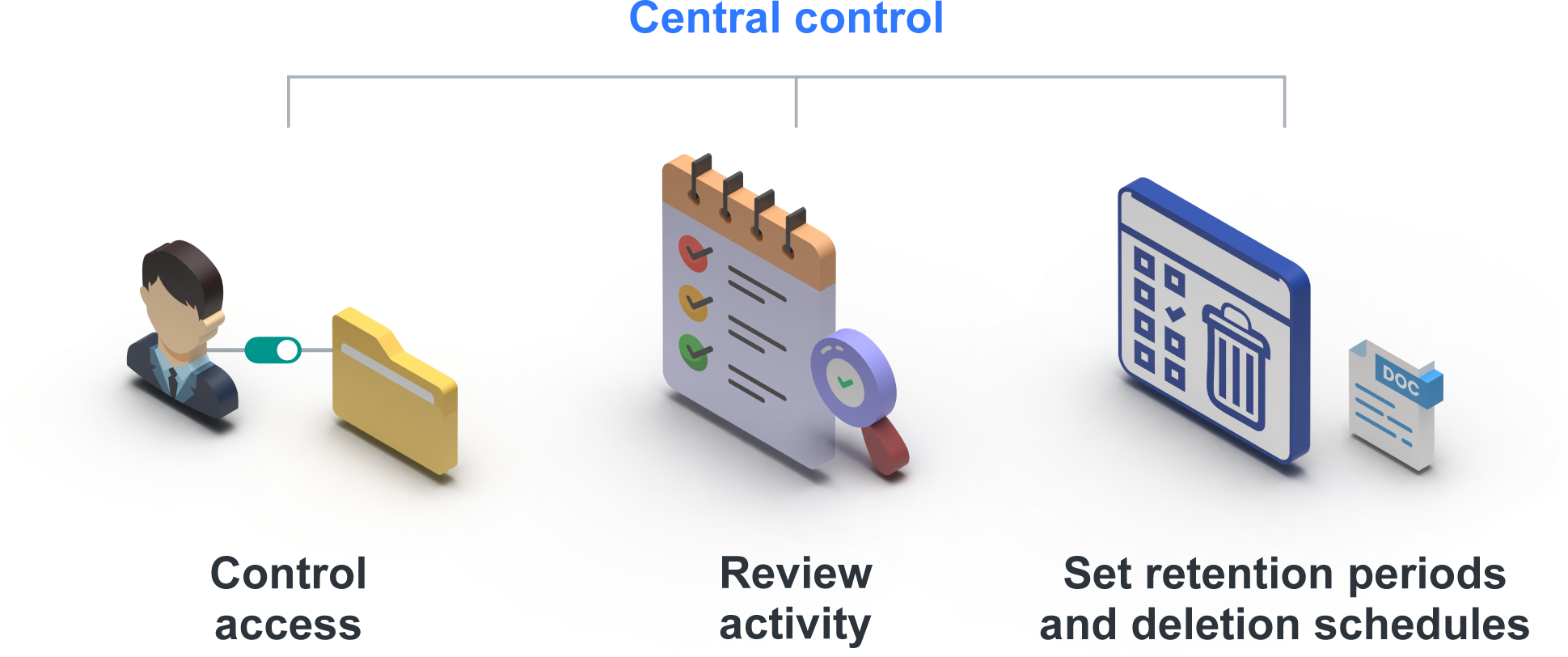
The IOWIS Platform combines role-based access control (RBAC) with fine-grained permissions for individual items of content and platform components.
Administrators can specify:
- which users and groups have access,
- who can use, edit or manage assistants and agents,
- which files and knowledge bases are available,
- who can access projects and workspaces,
- which plugins, tools and features are enabled,
- which integrations and data sources can be used,
- who can change administrative settings.
Roles and permissions can be configured to reflect your organisational structure and use case.
Through single sign-on (SSO) and LDAP, the platform can connect to existing identity and access management (IAM) systems and user and group management.
Audit logs and traceability
Relevant system activity, usage and administrative actions are logged and can be reviewed by authorised administrators.
The audit logs record:
- access to relevant areas of the platform,
- changes to roles and permissions,
- administrative configuration changes,
- changes to assistants, agents and knowledge resources,
- other events relevant to security and operation.
Logging access and changes supports internal reviews, audits and the investigation of security-related activity.
Retention and deletion policies
Retention periods and deletion schedules can be configured for different types of content, usage data and logs.
The platform supports:
- company retention policies,
- defined deletion policies,
- limits on how long data is stored,
- controlled handling of log and usage data,
- technical implementation of internal data protection and governance requirements.
Your company determines the applicable periods according to the use case and internal responsibilities.
Deployment and hardware
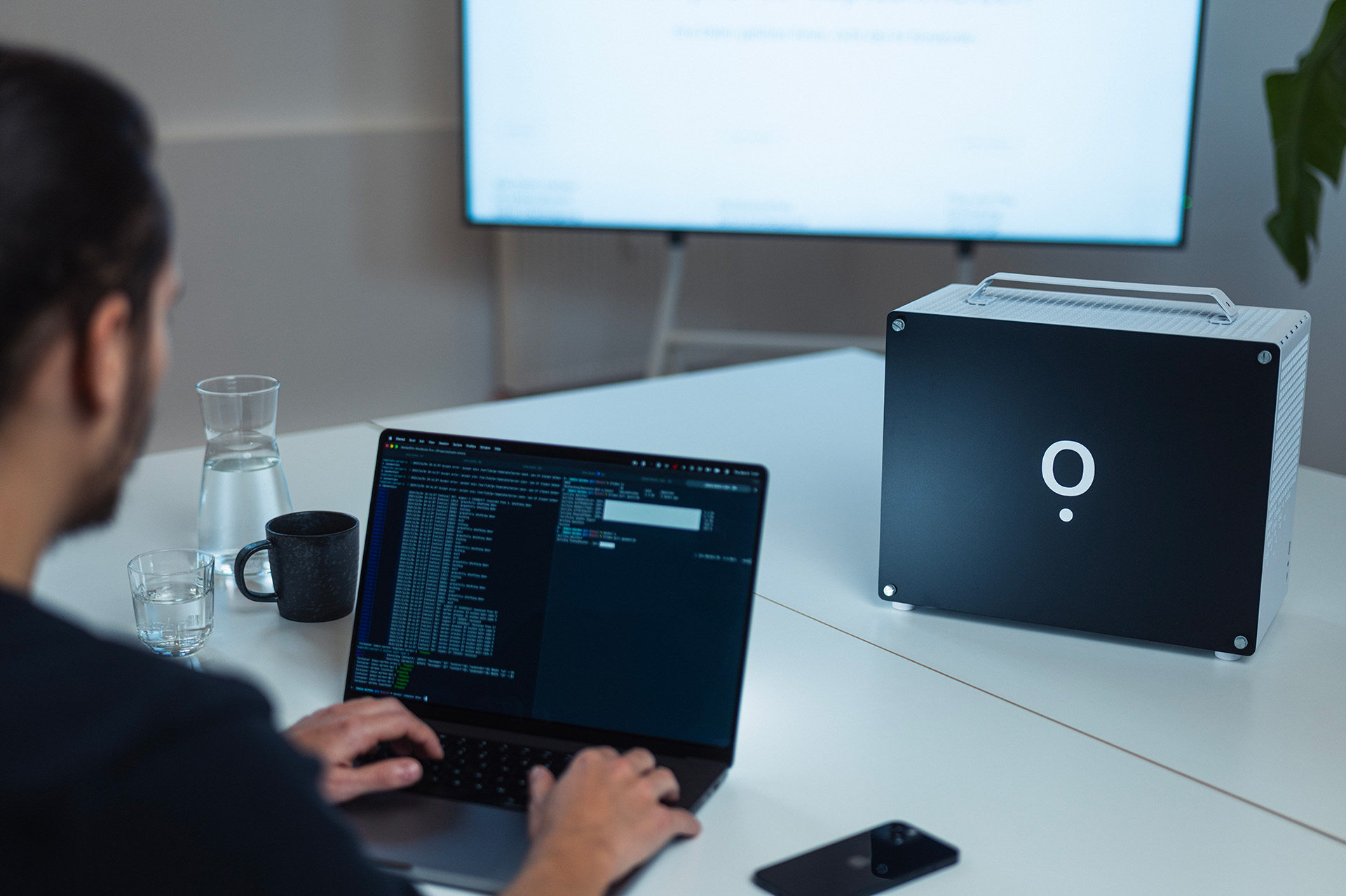
For a fully on-premises deployment, IOWIS supplies the platform and suitable hardware for your company’s infrastructure. The hardware configuration depends on the features you need, the models you use and the expected workload. Hardware can be purchased, rented or leased.
An on-premises appliance with an external GPU server
An on-premises appliance can also be combined with an external GPU server by individual agreement, subject to your data protection requirements and intended use. The platform and data storage remain on-premises; the inputs and knowledge content needed for each request are sent to the external GPU server for AI processing.
Running the entire system in your own infrastructure
The hardware is located on your premises and integrated into your existing systems and network.
Core components and processing remain within your environment. Network and system access can be configured in line with internal requirements. External connections are enabled only for features that actually need them.
Core functionality that works offline
The platform’s core functionality works without a continuous internet connection. Updates can also be supplied and installed offline.
Your company decides when to introduce new software and model versions. Updates can be scheduled around your own testing and maintenance windows. This helps you retain control over how you run AI.
An on-premises installation does not have to be completely disconnected from the internet. The connections required depend on the features in use.
Control external connections
Some features require external connections to be set up explicitly. These can include:
- web search and crawling,
- external knowledge sources,
- connected business systems,
- communication platforms,
- other online and cloud services.
These connections are enabled selectively according to the configuration. Company content is not sent to external AI or model providers for processing. Language models and core AI processing run within your environment.
IOWIS Platform plans and pricing
All plans use the same on-premises IOWIS Platform. Light already includes the core features for assistants, company knowledge, document processing, administration and on-premises operation.
Standard, Pro and Enterprise add further interfaces and data sources, as well as more advanced image, audio and video features.
| Feature | Light12 € per account / month | Standard20 € per account / month | Pro25 € per account / month | Enterprise35 € per account / month |
|---|---|---|---|---|
Text and chat · Voice input and output · Image understandingGet explanations of images and screenshots. Generate new images with Standard and above. | Included | Included | Included | Included |
Knowledge bases · Personal knowledge · Document processing · Web search and crawlingAnalyse files directly in chat and retain knowledge for ongoing use. Web search and crawling require authorised connections. | Included | Included | Included | Included |
Custom assistants · AI agents · Project managementSet custom instructions and knowledge sources. Agents handle multi-step tasks; projects bring chats, files and knowledge together. | Included | Included | Included | Included |
Roles and permissions · SSO/LDAP · Usage analytics · Offline updatesControl access by team and content. Connect existing user management. Install updates without direct internet access. | Included | Included | Included | Included |
PluginsCentrally approve extensions for use. Available interfaces and tools depend on the selected plan. | Included | Included | Included | Included |
SupportTechnical support and software and model updates included. System access only with your approval; on-site visits arranged separately. | Included | Included | Included | Included |
API access · Custom Python tools · External chat platforms such as Microsoft Teams or SlackIntegrate platform features into your own applications and add custom tools to assistants. Access AI through Teams or Slack. | Not included | Included | Included | Included |
External knowledge sources such as SharePoint or FTP · Word and Excel file creation · Image generationUse connected repositories as knowledge sources. Produce results as Word or Excel files and generate new images. | Not included | Included | Included | Included |
Meeting transcription · Music and sound generation · Advanced image editingReuse meeting content as text. Generate new audio content and further edit existing images. | Not included | Not included | Included | Included |
Video generation · Video analysisGenerate new videos or ask questions about existing footage. Select models and hardware to suit your use case. | Not included | Not included | Not included | Included |
All prices are per user per month, excluding VAT at the applicable rate. Hardware and setup are quoted separately.
Become a pilot customer by the end of 2026
As a pilot customer, you use the IOWIS Platform at reduced licence fees for 12 months and help shape its development. To take part, your agreement must be signed by 31 December 2026.
Choose the right plan
for your company
The right configuration depends on the number of users, the features, data sources and integrations you need, and how you intend to use the platform.
Implementation with IOWIS and JADE IT
IOWIS supports you as you introduce the platform. This covers both technical deployment and integrating the platform into existing workflows and responsibilities.
For the aspects of implementation beyond the technology itself, IOWIS works with digital transformation partner JADE IT. Together, we can provide support with:
- project management and coordination,
- involving the relevant departments,
- working with pilot or test groups,
- training employees and administrators,
- change management,
- gathering feedback from day-to-day use,
- developing suitable use cases further.
This aligns the technical implementation, organisational rollout and practical use of the platform within your company.
Would you like to offer the IOWIS Platform to your customers or use it in your customer projects? Partnering with IOWIS.
Frequently asked questions about the IOWIS Platform
How does the IOWIS Platform differ from a standard AI chat?
The IOWIS Platform combines a chat interface with AI assistants, agents, document processing, company knowledge, workspaces and integrations in one environment.
Administrators manage users, permissions, knowledge resources and available features centrally. In a fully on-premises deployment, the language models and core AI processing run on hardware within your infrastructure.
Can we start with a small group of users?
Yes. The initial rollout can be limited to a pilot group, a department or selected use cases.
Hardware should still be planned around the usage you expect in the future. If user numbers or computing requirements are likely to grow significantly, an additional graphics card or more powerful hardware may be needed, depending on the existing configuration.
What work does our team need to do to implement and run the platform?
Technical integration usually requires a contact who is familiar with your network and systems. Integration with the internal network and existing firewall, VPN and access arrangements is coordinated with your IT team. IOWIS supplies the hardware and platform and supports the technical implementation.
If no suitable internal contact is available, IOWIS can take on additional technical tasks after reviewing the existing environment. This work is agreed separately.
For ongoing use, you appoint at least one administrator to manage users, permissions, assistants and knowledge resources, for example. IOWIS and, if requested, JADE IT can also help select initial use cases, work with test groups and introduce employees to the platform.
After the platform goes live, IOWIS provides updates and support. Network access, backups and availability monitoring are handled through your existing IT responsibilities.
What makes up the total cost of the IOWIS Platform?
The per-user prices include use of the platform, software and model updates, and support. IOWIS does not charge separate ongoing maintenance fees on top of these prices.
Hardware and deployment are quoted separately. Hardware can be purchased, rented or leased. A combination of an on-premises appliance and an external GPU server is agreed individually. Additional costs may arise from technical setup, requested integrations, training, support with rollout and adoption, or individually agreed extensions.
The total therefore depends on the number of users, required features, hardware and scope of the implementation project.
Which AI models can be used?
IOWIS selects the default models to suit the intended tasks, required performance and hardware configuration. Multiple models can also be deployed within the same installation at the same time.
If you request a particular open-weight model, IOWIS can provide it without an additional charge for the model. If that model needs more computing capacity, this may affect the hardware configuration required.